DMW E-Registration for Domestic Workers: Step-by-Step Guide
How Filipino domestic workers create a DMW e-Registration account, fix name and email errors, avoid scams, and connect it to agency hiring, PEOS, and OEC.

Helpers Philippines
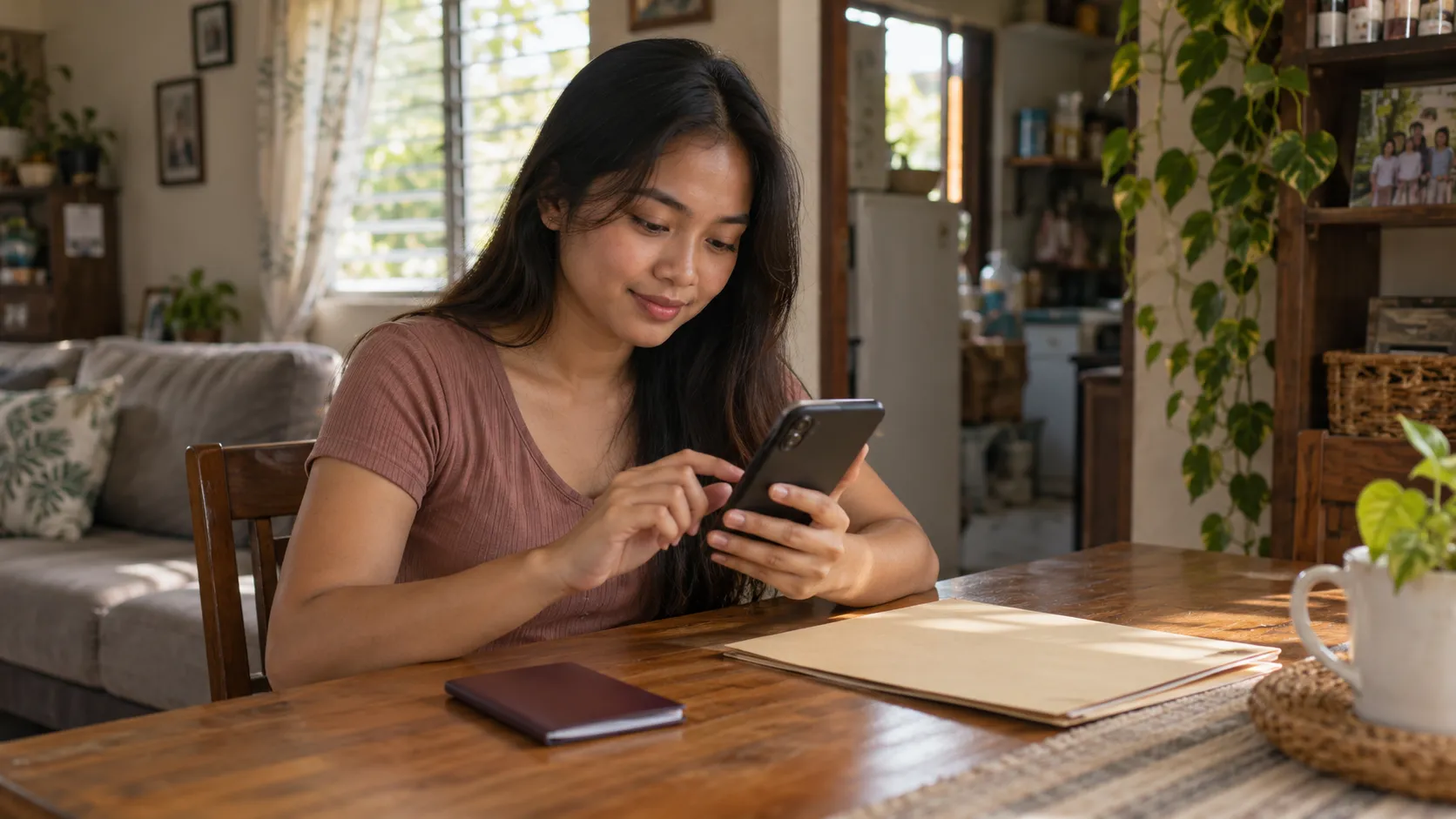
Direct answer: DMW e-registration is the online account you create at onlineservices.dmw.gov.ph with your passport details and a working email. It gives you an e-Registration Number, which DMW uses to record your Overseas Employment Certificate (OEC). Make only one account, type your name exactly as in your passport, and never pay anyone to register for you.
If you want to work abroad as a domestic worker, the Department of Migrant Workers (DMW) will ask for an e-Registration account before it processes your documents. The account takes a few minutes to make, but small mistakes in it cause long delays. A wrong spelling, a typo in your email, or a second account made in a hurry can each hold up your job application.
This guide is for Filipino domestic workers, also called household service workers (HSWs) in DMW papers, who are applying through a licensed recruitment agency. You can do the sign-up on a phone. On 16 October 2026 we opened the portal on a phone-sized screen and the sign-up form loaded normally.
What is DMW e-registration?
E-registration is your worker record in the DMW Online Services portal. The DMW FAQ page defines it as the online registration of an overseas Filipino worker that gives the reference number used to encode the OEC.
The account holds your personal details, passport details, and beneficiary information. Agencies and DMW staff use it to process your contract. The portal's terms say that some of this information is shared with foreign employers who ask for workers, so enter only true details about yourself.
You may see the name POEA on the sign-up pages. The Philippine Overseas Employment Administration was the older agency, and the DMW portal still carries its branding on some screens. It is the same government service. Check the web address, not the logo.
Who needs a DMW e-registration account?
You need one if you are a Filipino worker applying for overseas jobs through the official DMW process. The DMW Citizen's Charter lists the Worker's Information Sheet from the e-Registration portal among the documents for agency-hired workers, including household service workers. The 2026 Citizen's Charter is the official list of these requirements.
You do not need it for a household job inside the Philippines. Local kasambahay placement follows DOLE rules and your local barangay or city process, not the overseas DMW process.
If you worked abroad before, you may already have an account from the POEA days. Do not make a new one. Recover the old one through the DMW Helpdesk (steps below).
Which DMW system is current in October 2026?
DMW has more than one digital service, and online guides mix them up. Here is what we could confirm on official pages on 16 October 2026.
| Service | What it does | What we confirmed |
|---|---|---|
| DMW Online Services portal (onlineservices.dmw.gov.ph) | e-Registration sign-up and login, Helpdesk, Balik-Manggagawa, job fairs | Live. The DMW website lists it under Online Services. |
| PEOS (peos.dmw.gov.ph) | Online Pre-Employment Orientation Seminar | Live. The portal opens with "You have reached PEOS!" |
| OFW Travel Pass in the eGovPH app | Digital exit document for returning workers | DMW Advisory No. 38, Series of 2025 says it is accessed through the eGovPH app and initially covers rehire or returning workers. |
| DMW Mobile App | Older app route for OFW Pass | We could not find it on the current official DMW pages. Check the app listing's publisher before you install anything. |
The OFW Pass page on dmw.gov.ph says it is "under development" and lists support.hub@dmw.gov.ph for questions. Some blogs say the old DMW Mobile App was merged into eGovPH. We could not confirm that on an official page, so we do not state it as fact.
What this means for you: as a first-time HSW applicant, start with e-registration on the Online Services portal. The agency then handles your OEC. The eGovPH Travel Pass is for later, when you are a returning worker with an existing contract.
What to prepare before you start
You need very little. Have these ready before you open the portal:
- A valid passport. The sign-up page tells you to enter your details according to your passport.
- An email address that only you use and can open today. The portal sends your first password there.
- Your birthday and gender exactly as in your passport.
- Your beneficiary's details, such as a parent, spouse, or child, for the profile section.
- A clear photo or scan of your passport data page, under 2 MB, in case you need to file a Helpdesk ticket later.
Do not use a relative's email or a shared family account. Your login, password resets, and ticket replies all go to that address. Write it down somewhere safe, and write down your e-Registration Number after you register.
How to create your DMW e-Registration account
These steps come from the DMW FAQ page and the live sign-up form we checked on 16 October 2026.
- Open onlineservices.dmw.gov.ph in your phone browser. Type the address yourself instead of tapping a link from a chat message.
- Tap Let's Go! under the e-Registration section.
- Tap Register on the login box ("You don't have an account yet?").
- Read the Terms of Use and Privacy Statement, then tap I Accept the Terms of Use.
- Enter your first name, middle name, last name, suffix (choose Not Applicable if you have none), gender, email address, and birth date. Copy them from your passport.
- Read the page twice. The portal itself tells you to double-check before confirming.
- Tap Register. A summary of your entry appears for confirmation.
- Your password is sent to your email. DMW notes it may be shown on screen in some cases.
- Copy your e-Registration Number and keep the email address you used.
- Go back to onlineservices.dmw.gov.ph and tap Let's Go! again.
- Log in with your email and the system-generated password.
- The portal asks you to create a new password and confirm it. The change-password form says to use letters and numbers, at least 8 characters.
- Complete your Profile, Passport Identification, and Beneficiary sections. DMW's guide says to answer Yes in the beneficiary section.
DMW states the rule plainly: one OFW, one DMW e-Registration account.
Complete your profile before you apply
Finishing step 13 matters. A half-filled profile is the most common reason an agency cannot move your file. Check these before you tell an agency you are ready:
- Your passport number and expiry date match your passport.
- Your name spelling matches your passport, including middle name and suffix.
- Your contact details are current.
- Your beneficiary section is filled in.
If your passport is near expiry, renew it first. The Citizen's Charter checklist for agency-hired workers asks for a passport valid for at least six months from the intended departure date.
Common errors and how to fix them
Most problems have the same fix. Do not create another account. File a ticket in the DMW Helpdesk instead.
The sign-up page says this directly: if you did not receive a confirmation email or you made a mistake while registering, do not create a new account, and file a concern in the Online Helpdesk. It also warns that giving wrong information and making multiple accounts can lead to cancellation of your e-Registration privileges or disqualification from DMW processing.
The name on your account does not match your passport
This is the most common error. Agencies and DMW staff compare your account to your passport, so a mismatch stops the file.
To fix it, open the Helpdesk on the portal and create a ticket. DMW's guide lists these steps:
- Scroll down to HelpDesk and tap Create Ticket, then Continue.
- Under Service, choose Online Services - eRegistration.
- Under Concern, choose Edit Account Problem - Name, Birthday, or Gender.
- Enter your eRegistration Number and email, or your personal details if you forgot them.
- Pick the processing site nearest you.
- Describe the problem and add your contact number.
- Attach your valid passport (file under 2 MB), then tap Upload.
- Tap Submit Ticket, confirm with Yes, and copy your ticket number.
The Citizen's Charter says a change of name, birthday, or gender may need supporting papers, such as a marriage certificate from the Philippine Statistics Authority if your surname changed.
You did not receive the confirmation email
Check your spam folder first. If nothing is there, do not register again. The Helpdesk lists "Account Activation / Confirmation Email" as a concern type. File a ticket under e-Registration services.
You typed the wrong email address
Create a Helpdesk ticket with the concern Account Problem - Change Account Email Address. DMW's steps tell you to tap "I forgot my eRegistration Number and Email Address" if you cannot remember them, enter your full name and birthday, tap Find Ticket, and choose a processing site. Then enter your contact number and a new active email, attach a passport copy under 2 MB, submit, and copy your ticket number.
You forgot your account details
Use the same ticket path with the concern Account Problem - I forgot my eRegistration details. This also applies if you registered years ago and cannot remember whether you did.
You made two accounts by mistake
Tell DMW. The Citizen's Charter calls deletion of multiple e-Registration accounts a "complex concern" and says it may need documents, such as a handwritten letter saying you will not make multiple accounts again and a self-undertaking that you are one and the same person. Hiding the second account is worse than reporting it.
Your ticket seems stuck
The Helpdesk allows only one active ticket at a time. Use Inquire Ticket to read replies and answer them there. The Citizen's Charter lists no fee for this service. One regional-office entry in it lists a one working day processing time, but queues vary, so do not treat that as a promise.
How e-registration connects to your job application
E-registration is one step in a longer chain. It does not give you a job, a visa, or permission to leave by itself.
For an agency-hired domestic worker, the chain looks like this:
- Choose a licensed agency with an approved job order. Check it first with our guide on how to verify a DMW-licensed recruitment agency.
- Create your e-Registration account. The agency needs your e-Registration Number or Worker's Information Sheet.
- Take the Pre-Employment Orientation Seminar (PEOS). The Citizen's Charter lists a PEOS certificate from peos.dmw.gov.ph as a requirement. DMW describes PEOS as an online seminar of eight modules covering job applications, processing fees, and avoiding illegal recruitment.
- Complete the other documents the agency lists for your destination (see the next section).
- Your contract is verified and your OEC is approved. The Citizen's Charter describes the OEC for agency-hired workers as the exit clearance you show to the Bureau of Immigration when you leave. The agency submits your papers to DMW for this.
- Attend your pre-departure orientation through the channel OWWA or your agency assigns.
Rules differ by destination. Saudi Arabia, Hong Kong, and Japan each add their own steps. For a Hong Kong job, read our guide on how to apply for a domestic helper job in Hong Kong and follow your agency's checklist.
What about the OFW Pass and OEC?
DMW Advisory No. 38, Series of 2025 (signed 27 November 2025) says the OFW Travel Pass can be accessed through the eGovPH app, is valid for 90 days from issue, and carries a QR code. It initially covers returning workers (Balik-Manggagawa). The advisory also says a worker who changes employer or jobsite is referred to DMW Online Systems for in-person processing.
It says printed OFW Passes issued through DMW Online Services stay valid, and that DMW Online Services remain available for worker types that need separate processing. In short, your e-registration account stays in use even as the Travel Pass rolls out.
Notes for household service workers
DMW's papers use "household service worker" for domestic workers deployed abroad. The Citizen's Charter lists these extra items for HSWs beside the standard documents:
- TESDA National Certificate II for Domestic Work. The TESDA training regulation was promulgated in May 2022. It covers cleaning a living room, dining room, bedroom, bathroom, and kitchen, washing and ironing clothes and linen, preparing hot and cold meals, and providing food and beverage service. Train only at a TESDA-registered center. Our Domestic Work NC II guide explains how to choose a course.
- A CPDEP certificate (OWWA's pre-departure education program for domestic workers) from OWWA-accredited agencies, for destinations other than Saudi Arabia. For Saudi Arabia the charter lists a Pre-Departure Orientation Seminar certificate and a downloaded Musaned contract instead. Your agency will tell you which applies.
- A medical certificate from a clinic accredited by the Department of Health and DMW.
- A verified employment contract, which the Migrant Workers Office or Philippine embassy verifies for the agency.
- A passport valid for at least six months from your intended departure date.
The charter's checklist for one office also notes an age requirement of at least 24 years old for household service workers. We saw this in one section of a long document, and rules can differ by destination. Confirm your age eligibility with your agency and DMW before you spend money on training.
DMW Advisory No. 25, Series of 2025, signed 22 August 2025, adopted reforms for Filipino domestic workers. Among them, it says DMW will implement a minimum monthly wage of at least USD 500 for Filipino domestic workers, without prejudice to higher rates already in force. It also says a video call between you and the prospective employer must happen before the contract is finalized, so you can learn the duties, household size, rest periods, and accommodation. The advisory also repeats that your passport stays with you, and that employers and recruiters may not hold it except for purposes like visa stamping. Contract terms still depend on the country, so read the contract itself.
Scam warnings: fake pages, fixers, and paid registration
Overseas job seekers are a target for fake pages. Use these checks every time.
- Check the address. The real portal is onlineservices.dmw.gov.ph. Read the part before the first single slash. It must end in dmw.gov.ph. A site such as dmw.gov.ph.example.com is not DMW.
- Never pay to register. The sign-up form asks for no money. The Citizen's Charter lists no fee for an e-Registration Helpdesk ticket. A person who offers to "process" your account for a fee, or sell you a ready-made account, is not DMW.
- Do not hand over your password or email login. A fixer who holds your account can change your email or details, and you may lose access.
- Do not trust chat-only recruiters. DMW Advisory No. 22, Series of 2026, issued 30 April 2026, urges the public to verify that the agency is licensed, confirm the job order is approved and valid, and avoid persons who operate only through Facebook, TikTok, Telegram, WhatsApp, or other unofficial channels.
- Pay no placement fee without a valid contract and an official receipt. The same advisory says so. It also says to refuse tourist-visa arrangements for work and to avoid travel agencies, fixers, and unauthorized representatives who offer overseas jobs.
- Report it. The advisory gives the Migrant Workers Protection Bureau hotline 87210619 and the email airtipinfo@dmw.gov.ph for reporting suspicious people, agencies, online pages, or offers.
Helpers is a marketplace where helpers and families find each other. We do not process DMW registration, OEC, visas, or placements abroad. We cannot register you or check your account for you.
Frequently Asked Questions
What is DMW e-registration?
It is the online registration of an overseas Filipino worker at onlineservices.dmw.gov.ph. DMW describes it as the registration that gives the reference number used to encode your Overseas Employment Certificate. You make one account with your passport details and a working email.
How do I register in DMW online services?
Open onlineservices.dmw.gov.ph, tap Let's Go, tap Register, accept the terms, and enter your name, gender, email, and birthday exactly as in your passport. Log in with the password the system sends, set a new password, then complete your profile, passport details, and beneficiary section.
Can I make a second DMW e-registration account if my email does not work?
No. DMW allows one account per worker, and the sign-up page warns that multiple accounts can cancel your e-Registration privileges or disqualify you from processing. File a ticket in the DMW Helpdesk to fix the email or recover the account.
Is the DMW Mobile App or the OFW Pass the same as e-registration?
No. E-registration is the account you make on the DMW Online Services portal. The OFW Travel Pass is a separate document that DMW Advisory No. 38, Series of 2025 says is accessed through the eGovPH app, and it initially covers returning workers only. First-time applicants go through an agency.
Do I have to pay to get a DMW e-registration account?
The sign-up page asks for no payment, and DMW's Citizen's Charter lists no fee for handling an e-Registration helpdesk ticket. Anyone who charges you to register, or promises faster approval for money, is not acting for DMW. Report them to DMW.
A practical next step for helpers
Open the portal on your own phone, make your one account with your passport beside you, and save your e-Registration Number. Then check your agency before you pay for anything. When you are ready, create a helper profile on Helpers and browse more guides for helpers.
Sources checked for this guide
- DMW Online Services Portal (e-Registration sign-up and login) (Department of Migrant Workers, Philippines; accessed 2026-10-16)
- DMW Frequently Asked Questions: e-Registration, HelpDesk, and direct hiring (Department of Migrant Workers, Philippines; accessed 2026-10-16)
- DMW Advisory No. 38, Series of 2025: Implementation and Use of OFW Travel Pass (Department of Migrant Workers, Philippines; accessed 2026-10-16)
- DMW Advisory No. 22, Series of 2026: Warning against illegal recruiters (Department of Migrant Workers, Philippines; accessed 2026-10-16)
- DMW Advisory No. 25, Series of 2025: Enhanced Reform Programs for Filipino Domestic Workers (Department of Migrant Workers, Philippines; accessed 2026-10-16)
- DMW Citizen's Charter 2026 (1st Edition) (Department of Migrant Workers, Philippines; accessed 2026-10-16)
- Pre-Employment Orientation Seminar (PEOS) portal (Department of Migrant Workers, Philippines; accessed 2026-10-16)
- Domestic Work NC II training regulations (Technical Education and Skills Development Authority; accessed 2026-10-16)
Last editorial review: 2026-10-16. Sources and regulated claims can change; confirm the current position before acting.
Related Guides
How to Apply for a Domestic Helper Job in Hong Kong from the Philippines
A step-by-step guide for Filipino helpers applying for Hong Kong domestic work, including agencies, ID 407, visas, contract verification, fees, documents, and arrival checks.


Hong Kong Domestic Helper Agencies: How Filipino Helpers Verify One
How Filipino domestic helpers verify Hong Kong agencies, Philippine recruiters, fees, contracts, job offers, accreditation, and red flags before deployment.

Filipino Domestic Helper Rights in Hong Kong: Salary, Rest, Contract, and Safety
A practical rights guide for Filipino domestic helpers in Hong Kong covering the ID 407 contract, salary, food, rest days, housing, agency checks, documents, and help when something goes wrong.